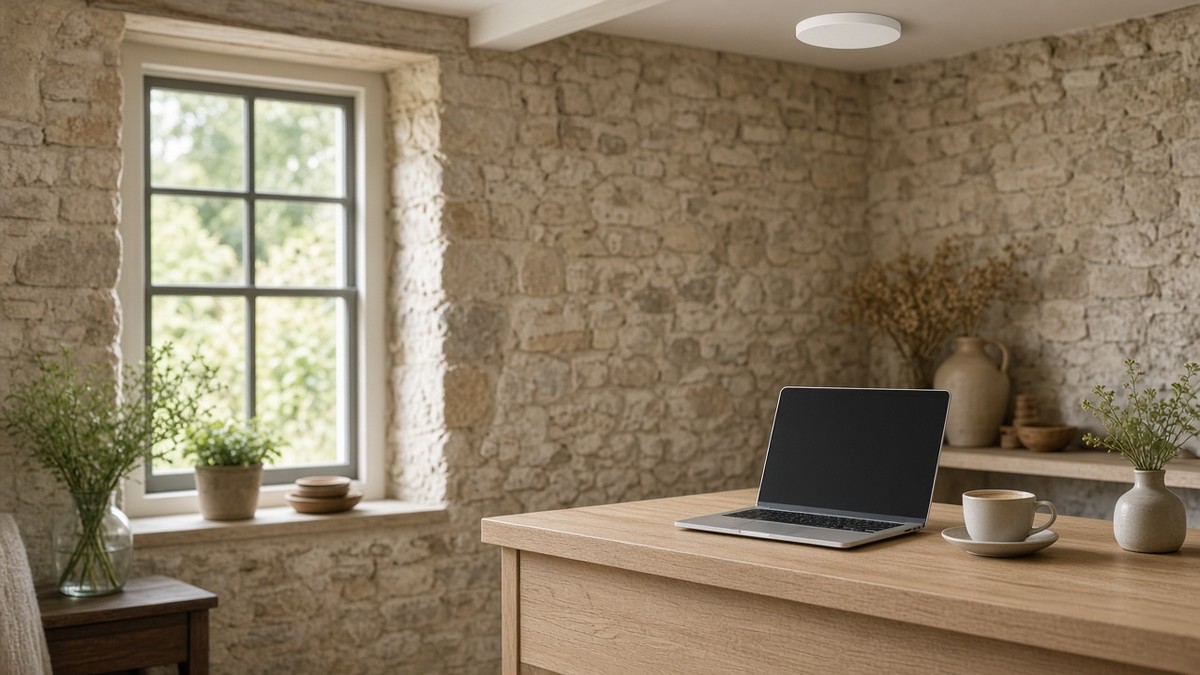
If the signal dies in the stockroom, the letting bedroom or the far end of the bar, the problem is usually the Wi-Fi inside the building, not the line at the door. Mesh Wi-Fi for business is a practical fix, especially in the older offices, shops, pubs, holiday lets and farm buildings across Devon and Cornwall.
This guide explains why thick walls knock a signal back, how mesh compares with extenders and wired access points, why a proper guest network matters, and how iTechmonster can plan, install and look after the system. It is written for small firms and does not assume you want a particular brand.
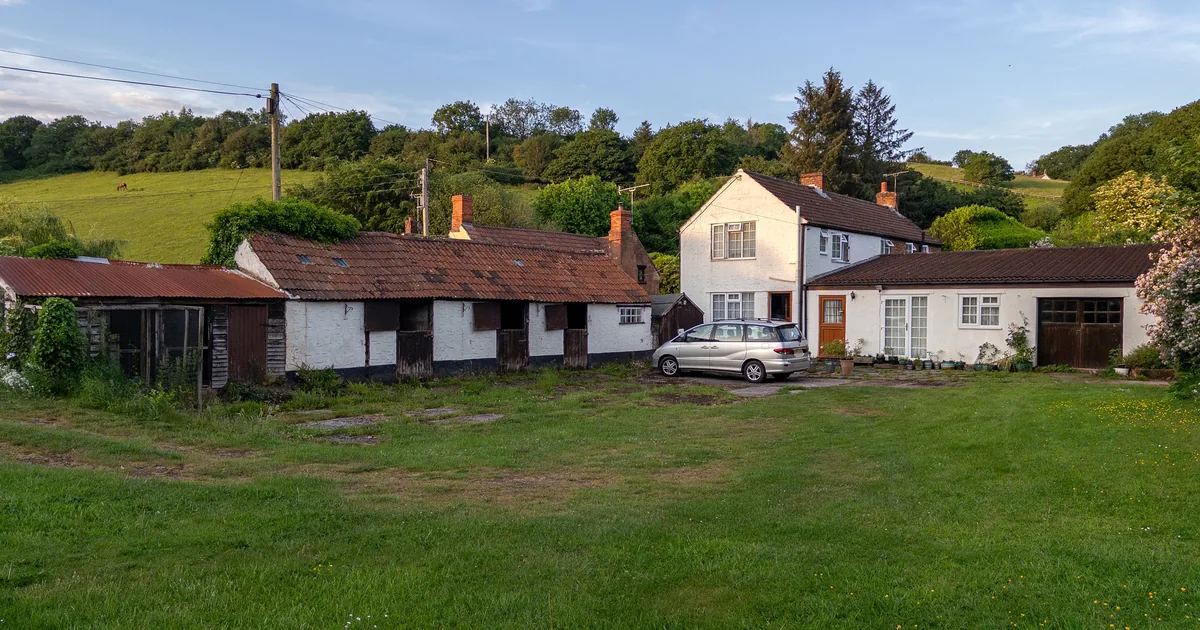
Table of Contents
Table of Contents
Why Wi-Fi drops in thick-walled buildings
Wi-Fi is a radio signal. Stone, solid brick, chimney breasts, metal in old plaster, foil-backed insulation and even a well-stocked fridge can absorb or reflect it before it reaches the next room. Many buildings in Devon and Cornwall were never designed with wireless in mind: thick walls, barn conversions, split-level shops and rooms added on over the years all get in the way.
The 5 GHz band usually offers the better speeds, but it also struggles more through obstacles. The 2.4 GHz band often travels further, but it is slower and more crowded. A single router in a cupboard or behind the till can look fine on a speed test next to it, and still leave a dead spot two rooms away. That is a coverage problem, not proof that you need a new broadband contract. If you are unsure whether the line itself is the weak point, our guide to business broadband in rural Devon and Cornwall is a useful place to start, and we can also look at business broadband and 4G or 5G backup if the incoming connection needs attention too.
Mesh Wi-Fi, extenders and access points compared
Wi-Fi extenders
An extender (sometimes called a repeater) listens to your existing router and rebroadcasts the signal. It is cheap to plug in, and it can help a single weak room. The drawback is built in: many models use the same radio to receive and send, which reduces the bandwidth available to your devices, and some create a second network name that phones and laptops do not roam between automatically. In a shop or a let with several poor rooms, a chain of extenders often makes the network harder to live with, not easier.
Mesh Wi-Fi
A mesh system uses several nodes that work together as one network, usually under a single name. Phones and laptops can move from the office to the store room, or from the bar to the garden, without switching networks. Nodes can talk to each other over the air (wireless backhaul) or, on many systems, over an Ethernet cable (wired backhaul). For a business that needs coverage in more than one awkward area, mesh is usually a clearer step up than a lone extender.
Wired access points
A dedicated access point gets its connection from a network cable rather than from another wireless hop. That leaves the radio free to serve laptops, tills, phones and printers, which is why a wired access point (or a mesh node used with a cable) is usually the most stable option where you can run Ethernet. Power over Ethernet (PoE) can often feed the unit through the same cable.
In practice the best setups are often a mix: cable the nodes you can reach, and use wireless mesh only where a cable would be impractical, such as a listed wall, a holiday-let landing or a farm outbuilding.
Why wired backhaul matters
Backhaul is the link that carries traffic between nodes, or from a node back to your router. If that link is wireless, the nodes are sharing radio time with your devices, and every wall between them weakens the path. If the link is a cable, the wireless radio can be used for the people and equipment that actually need it.
That is not an argument against mesh. Many systems, including well-known business platforms such as Ubiquiti UniFi, can work either way. Ubiquiti’s own guidance says hard-wiring access points is “the ideal method to provide the highest performance and stability”, and that wireless meshing is the alternative where running cable is not practical. The same notes warn that each wireless “hop” between units reduces available throughput, and that a strong signal is needed between a wireless node and the unit it uplinks to. Use a cable where you can, and treat wireless mesh as a planned exception in a thick-walled building.

A common mistake is to put the next node in the dead room you are trying to fix. If that room already has a poor signal, the new unit inherits the same weak link. Place it where it can still hear the previous node clearly, then let it serve the rooms beyond. A short site survey usually spots this before the kit goes on the wall.
Keep guest Wi-Fi separate from the business
Pubs, shops, waiting rooms and holiday lets almost always need a network for customers or guests, and a separate one for staff, tills, printers, cameras and file shares. A second network name is not enough on its own. Guest traffic has to be blocked from those internal devices, and it helps if guest devices cannot talk to each other either (often called client isolation).
The National Cyber Security Centre describes network segmentation as breaking a network into smaller parts so you can control how traffic flows, and what is allowed between those parts. A visitor’s phone and your till have no reason to be on speaking terms. The same idea applies to a holiday let: guests should get a straightforward password and a route to the internet, not a path to the owner’s laptop or cameras.
For holiday properties we already offer a dedicated Holiday Let Connect service, with the guest network set up in advance so you are not explaining the router to every arrival. The same separation is worth having in a shop or a pub.
Plan the network with a site survey
A good design starts with a walk around the premises, not with a box labelled for a certain number of rooms. We look at where people actually work and sit, where the stone walls and metal run, where a cable can be hidden, and which rooms only need a modest signal against those that need a solid one.
Different premises throw up different questions:
- Offices — reliable coverage in meeting rooms and any annex, with staff devices kept off the visitor network.
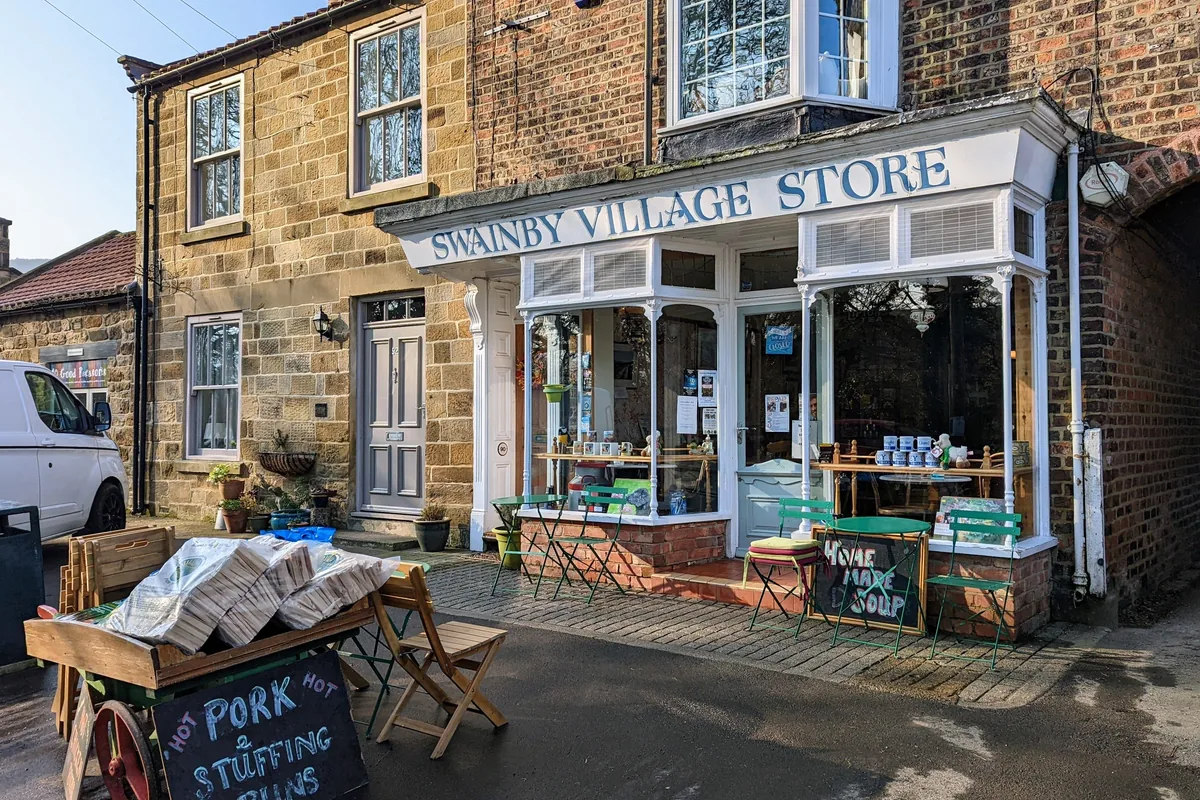
- Shops — a clean signal at the counter and in the stockroom, with payment terminals and back-office systems kept apart from customer Wi-Fi.
- Pubs — enough capacity for a busy evening, coverage that reaches the garden if you want it, and a clear split between the till, cellar systems and guest access.
- Holiday lets — a simple guest login that works in every bedroom, plus outdoor coverage where it is useful, without opening a door to the owner’s devices.
- Farms — the farmhouse or office is only part of the picture; yards, workshops and converted barns often need their own planned hop or a cable run, not a consumer extender in the kitchen.
Once the layout is agreed, installation is the straightforward part: mounting the units, running cable where it pays off, setting the staff and guest networks, and checking the rooms that mattered in the first place. The kit is yours; you are not renting a mesh box from a broadband provider.
How iTechmonster can help with mesh Wi-Fi for business
iTechmonster is based in Okehampton and supports small businesses across Devon and Cornwall. We can survey the building, recommend a sensible mix of mesh and wired access points, install it, and look after it afterwards as part of our managed IT services. If the incoming line is part of the problem, we can talk through business broadband at the same time.
We stay brand-neutral in the advice. Ubiquiti UniFi is one well-known option we work with, because it supports wired access points, wireless meshing where a cable is impractical, and properly separated guest networks. It is not the only way to do the job, and we will say so if a simpler system is enough.
If you would like a plain-English view of ongoing support, we have a guide to what managed IT support actually includes.
Frequently asked questions
Will mesh Wi-Fi fix a slow broadband line?
No. Mesh and access points distribute the connection you already have. If a laptop plugged into the router, or sitting next to it, is still slow, the incoming line or the router needs attention first. Get the broadband right, then fix the coverage.
Is mesh better than a Wi-Fi extender?
For a single weak room, a decent extender can be enough. For several rooms, a whole floor, or a building with thick walls, a mesh system (ideally with some wired backhaul) is usually more reliable, because it behaves as one network rather than a chain of repeaters.
Do I have to run cables through the building?
Not everywhere. Wireless mesh exists for the places a cable would be difficult. Where a discreet cable can be run — a loft, a cupboard riser or existing trunking — it is usually worth doing, because the nodes then have a solid link. We will tell you where a cable would earn its keep.
Can I keep customer Wi-Fi away from my till and files?
Yes, and you should. Guests get their own network that can reach the internet but not your staff devices, payment terminals, printers or cameras. That takes a little configuration, not just a second password on the same network.
Will this work in a holiday let or on a farm?
Yes, if it is planned around the building rather than a box on a shelf. Holiday lets need a simple guest login that works in every room guests use. Farms often need coverage in more than one building, which is why a survey matters. For lets, our Holiday Let Connect service is set up with that in mind.
Do I have to rent the mesh equipment from my broadband provider?
No. Some providers charge an ongoing fee for extenders or mesh units. We would rather help you choose equipment that you own, sized for the property, so you are not paying a rental for a box on the wall.
Talk to us about your Wi-Fi
If you would like mesh Wi-Fi for business that fits the building, get in touch. iTechmonster is based in Okehampton and works with offices, shops, pubs, holiday lets and farms across Devon and Cornwall. Call us on 01837 357034 or contact us via the website.